📒 Core Feature

Ledger Management

Manage all your financial ledgers — suppliers, customers, transport partners, agents, and more — with automated reconciliation, real-time balance tracking, and complete financial transparency in one unified platform.

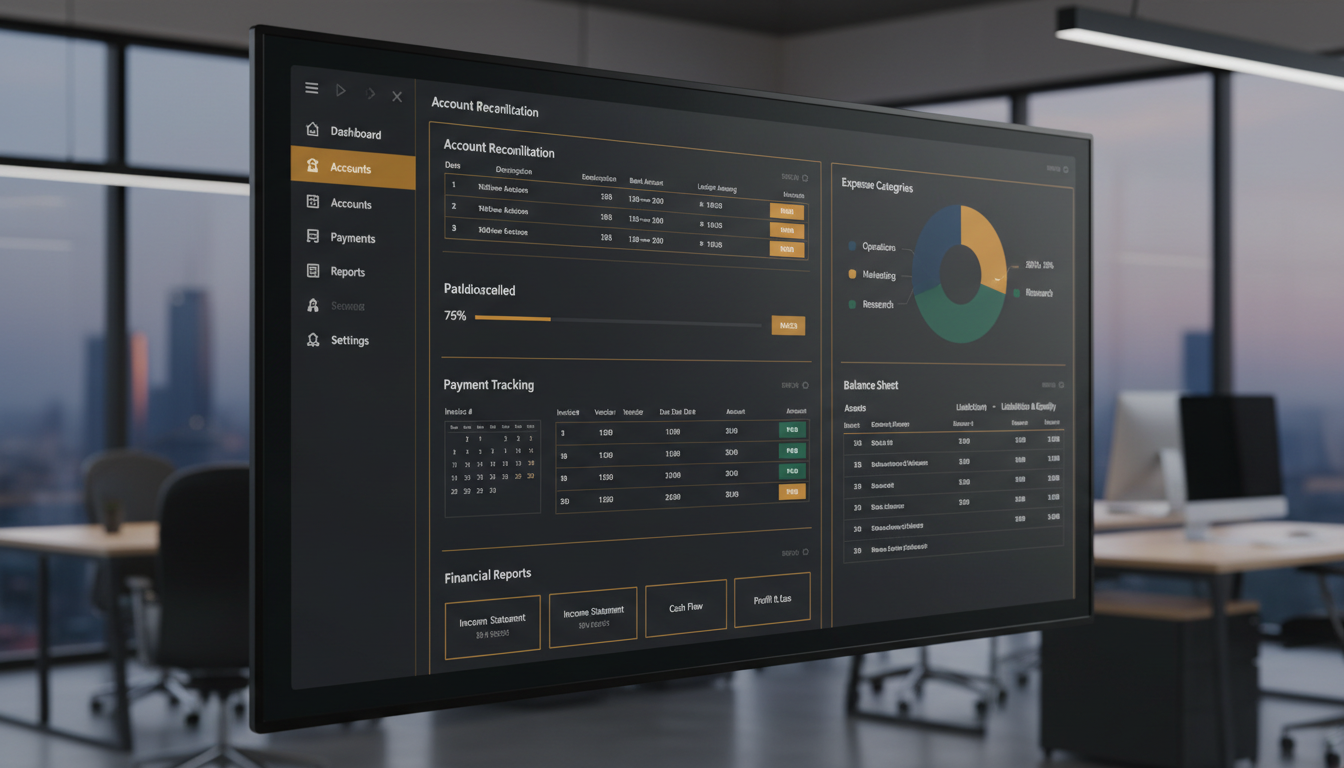
Ledger Management Dashboard - InventoryVerse
What Is Ledger Management?

Your Central Hub for All Financial Accounts

Ledger Management is one of the most advanced modules of InventoryVerse, as it provides you with complete control of all your financial dealings with suppliers, customers, transportation costs, and commission payments to agents - all in one secure and well-defined accounting ledger system.

Consider it to be the backbone of your business; each transaction that you make (purchases, sales, payments, receipts, credit/debit notes) will automatically be recorded in the designated ledger. You will therefore have a 360-degree real-time view of who owes you what; who you owe; as well as your current financial status.

Ledger Management also provides you with a number of additional features such as automatic ledger posting, multi-party reconciliation, aging analysis, and customizable statement formats, which allow your finance department to remove the hassle of manual data entry errors, leaving them free to concentrate on strategic financial planning and cash flow optimization.
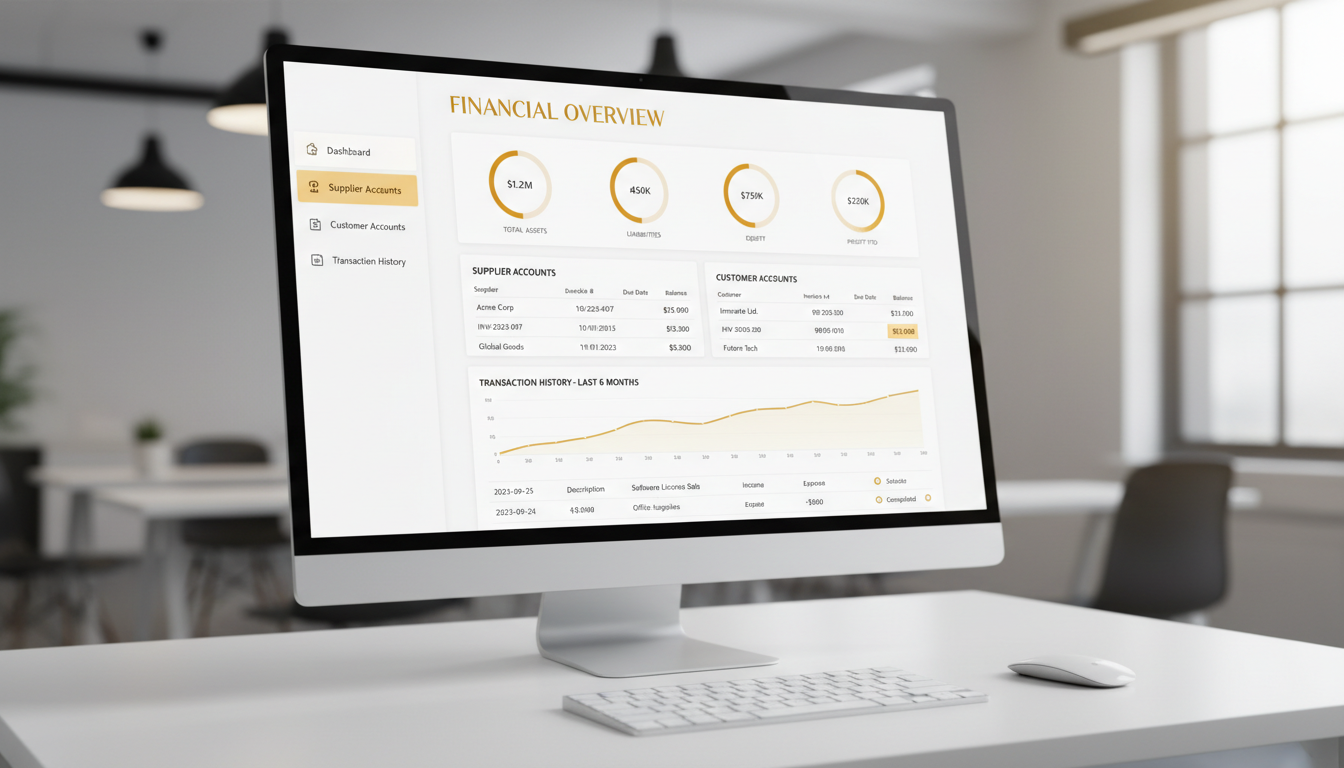
Ledger Management Concept
Why It Matters

Why Should You Use Ledger Management?

Accurate ledger management is the foundation of financial health. Discover why this feature is critical for maintaining complete financial control over your business.

Automated Reconciliation

Automatically reconcile invoices, purchase orders, and credit notes with payments using intelligent automated matching algorithms to eliminate manually matching errors and keep accurate records of every rupee.

Real-Time Balance Tracking

See live pending balances for each supplier, customer, transport partner, and agent, with real-time updates as transactions are recorded across the entire business network, allowing users to see easily receivables and payables.

Account Statements

Generate instant account statements for any party including a supplier, customer, agent, or transport partner using full transaction history and running balances for custom date ranges. Users can also email account statements or send them on WhatsApp.

Aging Analysis

Identify overdue payments with in-depth aging analyses that categorizes outstanding balances based on 30 days, 60 days, 90 days, and 120+ days for easy prioritization of collections and management of credit risks to maintain healthy cash flow with all business relationships.

Seamless Integration

Ledger entries are created automatically, as each module in InventoryVerse is directly linked via the sales, purchases, payments, and receipts, to create 100% accurate and consistent data across the ledger system with no duplicate data entry.

Audit Trail & Compliance

All ledger transactions are linked to a complete tamper-proof audit trail that tracks who did what and when and why. The logs provide detail to provide the evidence required for complying with all accounting standards and all tax compliance issues based on the version history provided.

Key Benefits

Benefits of Ledger Management

See how InventoryVerse's Ledger Management transforms your financial operations — here are the major advantages.

Payment Monitoring

Maintain a complete record of all payments you have sent and received. This includes; full payments/settlements, partial payments and advance payments. All payments can be matched against specific invoices and purchase orders to provide clear records of your payment history and enable quick reconciliation with your bank.

Credit/Debit Notes

Credit Notes can be issued for returns, discounts or adjustments. Conversely, Debit Notes can be issued for any additional charges. Once issued, both types will automatically appear in the relevant sub-ledgers and therefore ensure that all account balances remain correct and current at any given time.

Multi Party Account Management

Maintain an unlimited number of ledgers for suppliers, customers, carrier companies, sales agents, brokers, and all other parties you do business with. Each party will maintain a single ledger, which will show all transactions pertaining to that particular party, and represent a continuous balance.

Automatic Payment Reminders

You can automatically send reminders to customers with overdue invoices, using e-mail or SMS messaging, who have outstanding balances. By setting up your reminders, you can create separate reminder-styles and protocols for each customer group.

Financial Management Reports

You can view many different types of reports including: Trial Balance, Aging report Accounts Receivable/Payable, Outstanding Parties Reports, Cashflow / Profit & Loss Statement Reports. All reports can be exported to PDF/Excel/CSV.

Credit Limit Control

On an individual customer basis, you will create credit limits for new customers and receive e-mail notifications as customers approach or exceed the limits set. Once a credit limit has been exceeded; you will have the ability to put a hold on any additional orders placed prior to receipt of the outstanding amount to the appropriate party.

Powerful Features

What's Inside Ledger Management?

  • Automatic Ledger Posting & Transactions: All transactions such as sales, purchases, payments, receipts, returns, and adjustments are automatically posted to the appropriate ledger account with zero manual data entry meaning no errors, thus giving you live financials that are up to date.
  • Party Wise Detailed Statements: You can print detailed statements for any of your suppliers, customers, agents, or transport partners showing all transactions, payments, adjustments and running balances for any date range.
  • Multi-Currency Transactions: You can do business in any number of different currencies with automatic currency exchange rates being applied to all transactions. You can manage your foreign currency ledgers separately and account for gains or losses due to foreign currency exchange rates.
  • Bulk Payments to Multiple Suppliers/Customers: You can make payments to multiple suppliers or receive payments from multiple customers all at once, as well as match multiple payments to multiple invoices at the same time, thus having your reconciliations completed very quickly.
  • Importing Opening Balances: You can import all of your existing ledger account opening balances when you switch to InventoryVerse; supports import from CSV, Excel, and via direct entry using validation checks.
  • TDS/TCS Tracking: Automatically calculate and keep track of your TDS (Tax Deducted at Source) and TCS (Tax Collected at Source) for applicable transactions, plus view and print your TDS/TCS certificates and your supporting documentation for filling your taxes with the TDS and TCS certificates.
Ledger Management Features
How It Works

Get Started in 4 Simple Steps

Setting up Ledger Management is incredibly easy. Just follow these 4 straightforward steps.

1

Add Your Parties

You can add your suppliers, customers, transport providers, and agents, including their contact details, payment terms, credit limits, and GST information. You can also import existing data from spreadsheets in bulk.

2

Set Opening Balances

You can either enter or import an opening balance for each ledger account. Make sure to check your opening balance is correct before starting any transactions. To do so, run a trial balance report.

3

Start Transacting

Create sales, purchases, payments, and receipts. Each of your transactions will automatically post to the appropriate ledger account. Your account balances will update in real-time as your business processes your transactions.

4

Review & Reconcile

Use the reconciliation dashboard to match payments to invoices, review unpaid invoices, generate statements, and ensure that your accounts stay balanced and ready for an audit at all times.

Impact Numbers

The Real Impact of Ledger Management

0%

Reduction in Manual Entry Errors

0%

Faster Payment Reconciliation

0%

Improvement in Cash Flow Visibility

0%

Reduction in Overdue Payments

Advanced Capabilities

Enterprise-Grade Ledger Intelligence

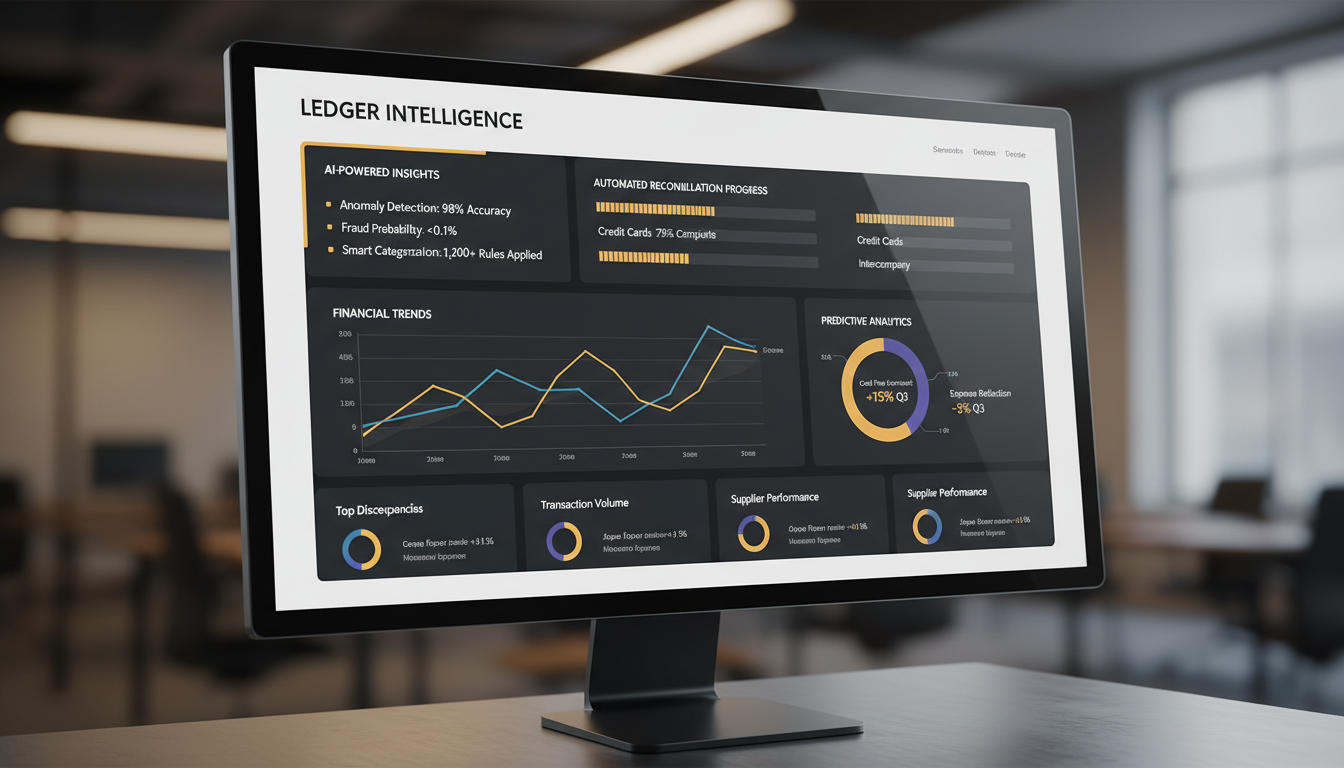
  • Detecting Unusual Transactions Using AI: Use machine learning (AI) technology to automatically spot odd transactions, duplicate entries and any discrepancies in your books before they become a financial issue.
  • Predicting Cash Flow: Predict cash coming in and going out of your business in the future by looking at how it has behaved in the past. Plan your working capital needs with confidence and help ensure that cash will be available when you need it.
  • Multi-Company Ledgers: Control multiple companies or branches' ledgers. Keep records of transactions between companies, delete duplicate transactions when you consolidate, and generate consolidated financial statements.
  • Custom Groups of Ledgers: Build customized groups and subgroups of ledgers so that they look like the way you do business. Create budgets for each group and process all required approvals from each group of budgets and subgroups through the consolidated group of ledgers.
  • API and Integration Capable: Link your ledgers' information with external accounting systems such as Tally, QuickBooks or Zoho Books through APIs. Establish two-way transaction synchronization with one set of financial data for an organization.
Advanced Ledger Analytics
Ledger Types

Comprehensive Ledger Categories

InventoryVerse supports all types of business ledgers to give you complete financial visibility across every relationship.

Supplier Ledger

This ledger keeps track of every purchase, includes the date and transaction number of each invoice and payment, as well as paid and returned invoices, along with an amount still owed. It also includes a breakdown of each supplier's performance and any pending payments, organized by due date.

Customer Ledger

This ledger keeps track of every invoice sent to customers, including a detailed history of all payments received by the customer. It provides a clear view of the current balance owed by the customer, as well as tracking future sales and setting credit limits.

Transport Ledger

This ledger is used to record all transportation and logistics costs, including freight charges and miscellaneous transportation expenses. Furthermore, you can manage vendor accounts for transportation services, make reconciliation of freight invoices with the associated delivery record, and also analyze your transportation cost trends by different routes.

Agent & Broker Ledger

This ledger is used to record and track all commission amounts payable to agents, broker commissions, and other intermediaries. The commission amounts can be automatically calculated based on approved sales volume or based on an agency's specific commission rules. In addition, commission statements can be issued, and all payments to your entire agency network can be managed.

Bank & Cash Ledger

This ledger is used for maintaining a complete record of all cash on hand and bank transactions. In addition, you will be able to reconcile your bank statements with your ledger accounts, keep track of the activity of each of the various banks where you have business dealings, and monitor the amount of cash you have at each of your business locations.

Expense Ledger

This ledger is used to categorize and record all of your company's operating expenses, such as rent, utilities, salaries, marketing, maintenance, and more. You can create budgets for each expense category and compare your actual expenses to the budget to generate expense analysis reports for improved control of your costs.

Take Control of Your Financial Ledgers Today

Try InventoryVerse's Ledger Management feature — 14-day free trial, no credit card required.

No credit card required 14-day free trial Cancel anytime