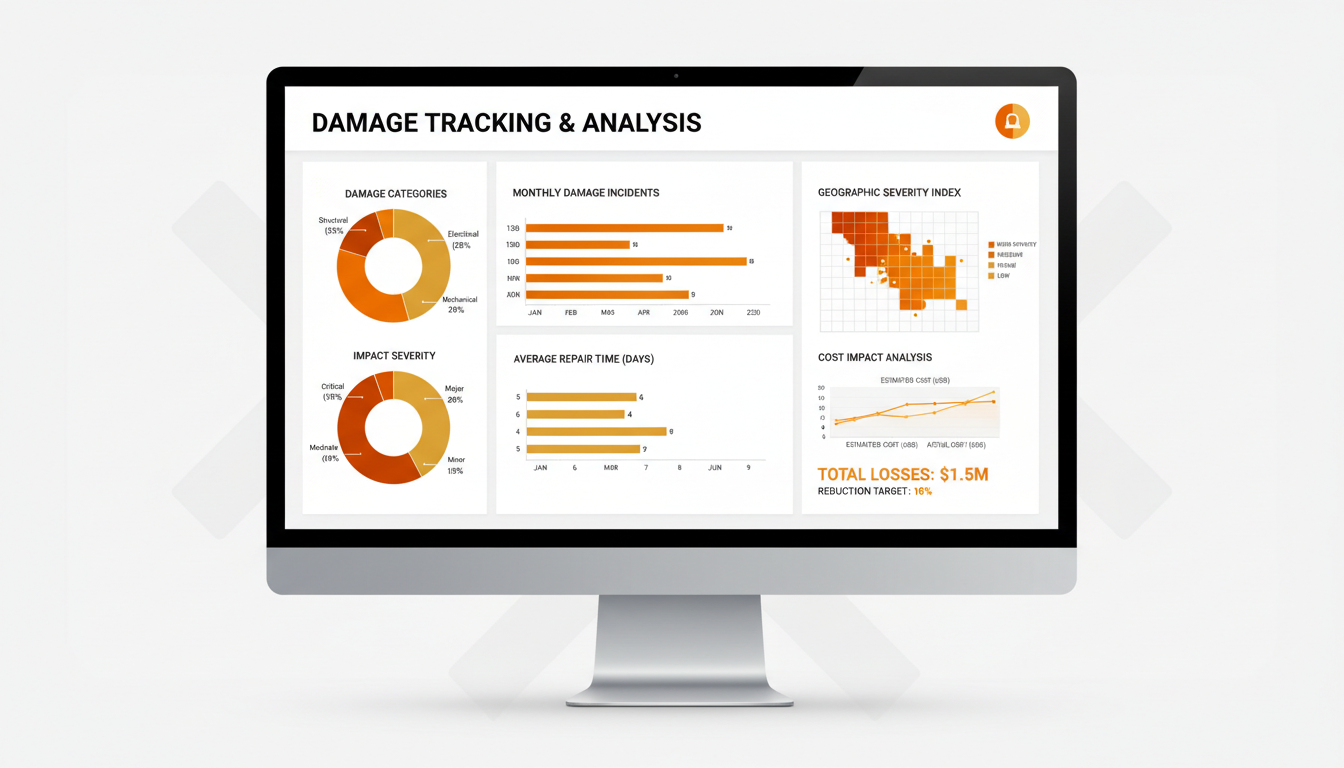
Accurately track, document, and manage every instance of inventory damage — from minor scratches to critical losses — with InventoryVerse's comprehensive Damage Reporting system built for complete accountability.
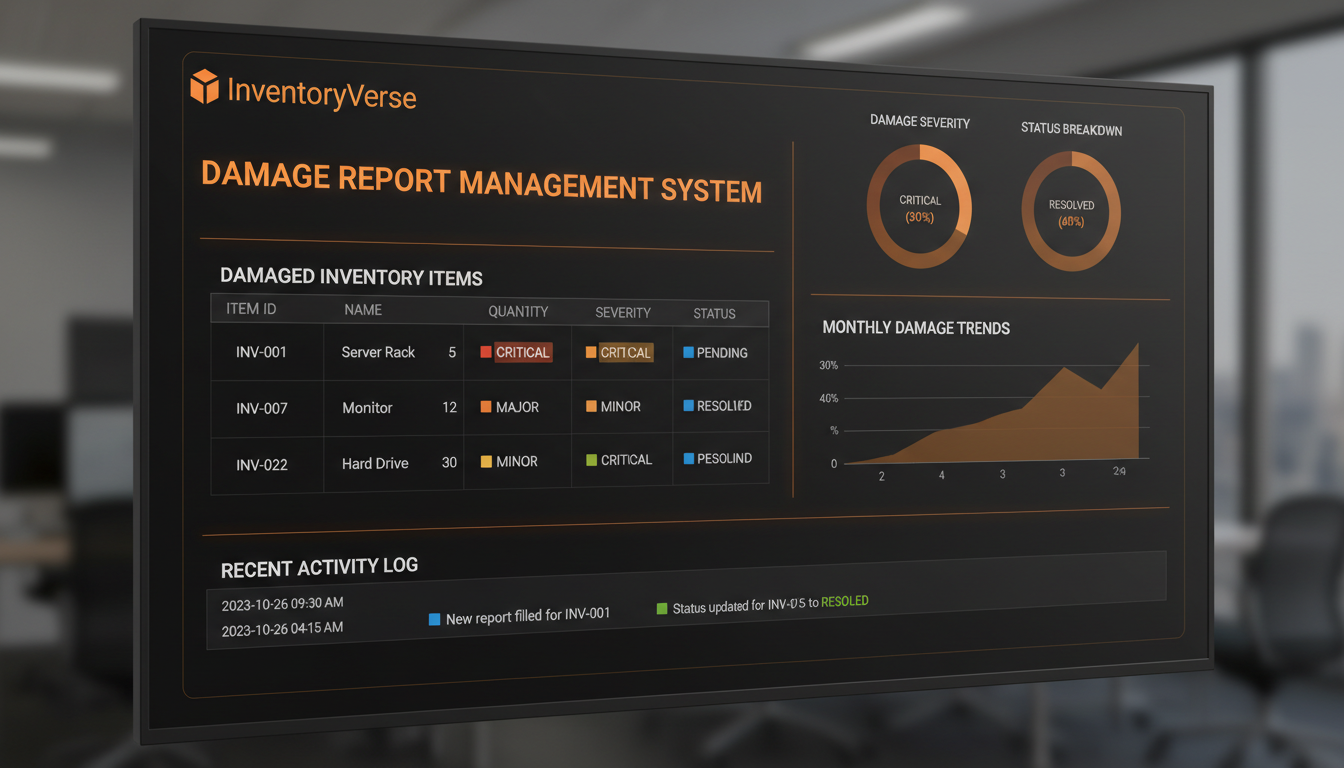
Damage Reports is InventoryVerse's dedicated module was created to assist organizations in recording, tracking, and dealing with each case of damage to inventory from all warehouses and locations.
This includes creating documentation of all damage incidents (e.g., transit damage, mishandling in the warehouse, manufacturing defects, unexplained shortages, etc.) that includes accurate descriptions of each incident along with photographic documentation, as well as a classification of the severity of the incident, and an assignment of who is responsible for the incident.
With real-time dashboards, alerts sent automatically, and comprehensive analytics to help you manage your loss prevention strategy, you will have complete visibility into the patterns associated with repeated damage, be able to hold vendors responsible for their damage, will assist with the streamlining of your insurance claims process, and will provide insight into how to improve your processes for better handling of inventory to reduce possible future losses.
Untracked damage silently erodes your profits. Discover why systematic damage reporting is essential for every inventory-driven business.
Missing out on revenue due to unrecorded damage is potentially 5% of your inventory value. By establishing a process for capturing damage and reporting it systematically, you have defined a way to document loss for future reclamation of costs such as vendor claims, insurance, and improved processes.
All individuals associated with damaging materials must be assigned responsibility for their actions. Establishing an excellent chain of custody with timestamps and photographic evidence will give complete transparency in regard to accountability.
You can analyze product category damage per warehouse location, carrier, season, and the handling process. With the information you have collected you can determine how to effect targeted changes that will lead to reduced damage over time.
Comprehensive damage reports capture the information insurance companies request to process your claim completely, including: photographs, timestamps, descriptions and values. This will speed up your claim processing and increase the probability of a successful claim.
You are required to have detailed audit trails for all regulated industries for damages. Our reporting will provide you with the regulatory audits; therefore giving you complete traceability; whether you are in food, pharma, or manufacturing.
Using the damage data, you can track the vendors who consistently provide damaged goods. With this information, you can negotiate better terms, enforce quality standards, or change to another vendor to protect the value of your inventory.
See how InventoryVerse's Damage Reports module transforms your loss prevention strategy — here are the major advantages.
You can capture and attach multiple images directly to every single report of damage. The proof of loss obtained from using photos can help in making insurance claims, establishing disputes with vendors, and supporting investigations. This decreases the likelihood that a detail will be overlooked or missed.
Damage is categorized by severity (Minor, Moderate, Major, Critical) to determine the associated workflows, escalation protocols and notification rules for ensuring the right response to damage.
Immediately be notified when a report of damage has been created, when thresholds have been exceeded, and when certain high-value items incur damage. Stakeholders will be updated instantly without requiring additional manual follow-up communication.
Generate detailed PDF and Excel reports, for any time period, warehouse, product category or damage category. Easily share those reports with management, insurance companies and vendors with one keystroke.
Every report of damage is automatically linked to the damaged item and PO as well as the warehouse location. Real-time updates to inventory levels ensure that inventory count matches the actual count at all times.
Limit who can create/view/approve and/or resolve a report of damage to the assigned roles with granular permissions. Warehouse personnel can submit damage reports while managers can approve/resolve them.
Setting up Damage Reports is incredibly easy. Just follow these 4 straightforward steps.
When damage occurs, employees can create a report in real time with all the details about what items are damaged, how they were damaged, pictures of the damage, and the amount of damage assessed.
Managers will assess the report and determine the cause of the damage. They will also assign blame to one of the following parties as it relates to the incident; carrier, warehouse staff or supplier. The manager will determine how to resolve the incident.
Complete the resolution process for all incidents. This includes filing insurance claims; requesting vendor credit(s); returning damaged product; and/or writing off any and all losses. The system will keep track of all events associated with each incident until such time the incident is resolved.
Evaluate incident statistics for damage to determine if there is a pattern of similar incidents. Take steps to prevent similar future occurrences. Common preventative measures include; improve packing, change carriers, and provide training to those responsible for damages.
Reduction in Inventory Losses
Faster Claim Processing
Improved Damage Recovery Rate
Better Vendor Accountability
InventoryVerse Damage Reports supports a wide range of damage categories to cover every scenario your business may encounter.
When products are damaged while being shipped through a carrier such as crushed boxes (due to being smashed during transport), broken furniture (because of being thrown against a wall) and/or wet due to water exposure.
When items are damaged by employees while in the warehouse, either through improper stacking of pallets, dropping items while picking or packing up an order, or through use of forks.
When an item is damaged by water leaks, humidity, temperature changes or infestation of pests.
When an item is received defective due to errors in production (e.g. wrong part was shipped), poor quality control procedures, and/or manufacturing issues.
When items that were found to be expired, spoiled, and/or out of date, and could not be sold. These can be tracked as soon as received and can be used to inform inventory replenishment processes and as a basis to improve demand planning policies by utilizing FIFO and maintaining a short inventory shelf life.
When missing stock, suspected theft, or inventory shrinkage is discovered. You should keep records, so any issues can be used to investigate/defend your products, plus implement access and security control measures to minimize loss in the future.
Try InventoryVerse's Damage Reports — 14-day free trial, no credit card required.